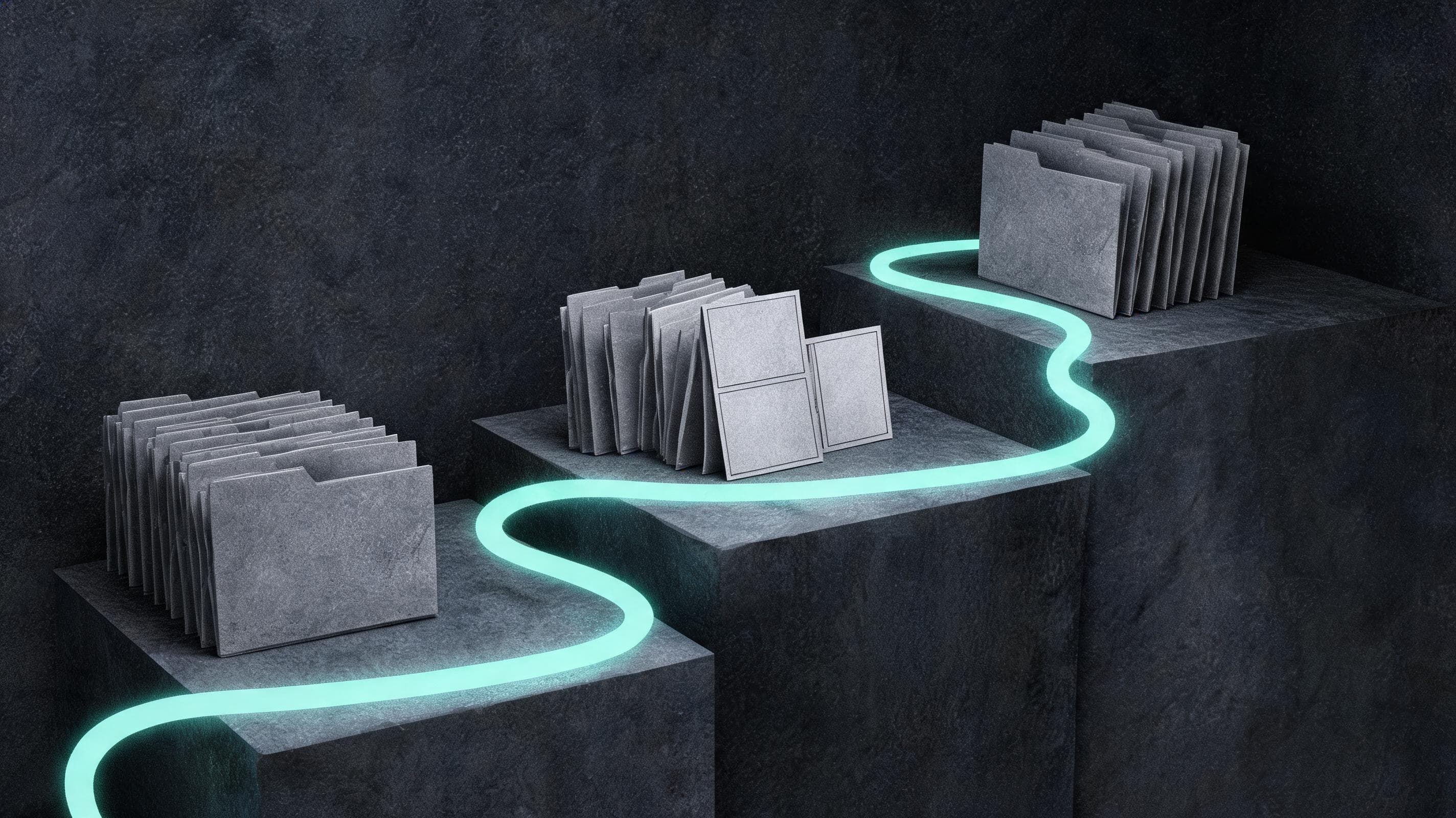
What the public project actually exposes
The HELL GRIND project page has a public folder browser with asset, scene and regeneration groupings, followed by a production breakdown. Its pre-production section describes pairing an asset descriptor with a reference image and separating appearance or environment states. Its production section describes scene-specific shot lists and logged prompt iterations. These are useful production records; a visible folder browser does not establish that every production file is downloadable, complete or cleared for reuse.
Build a registry before choosing references
The following registry is our proposed reader tool, not a verified export of the studios database. For each entry, record an original asset ID, category, state, descriptor revision, reference revision, source location, rights note and approval status. Keep a base character separate from its injured or rain-soaked version; keep day and night locations separate. For your own original project, use IDs such as char_courier_base_v1, char_courier_wet_v1 and loc_station_night_v1. Record why a revision changed so an editor can distinguish an intentional state change from an accidental replacement.
Trace one asset into a shot and a decision
HELL GRIND describes giving each scene block its own numbered shot list, keeping shared descriptions and styling in constants, and logging what changed between iterations. Adapt that into a trace: scene ID → shot ID → required state IDs → descriptor and reference revisions → output ID → review decision. In a hypothetical original courier scene, a wet courtyard shot should reference the wet character and night courtyard records. If the next interior shot needs a dry costume, record that narrative change explicitly. Log one requested change at a time and retain the accepted version rather than overwriting the history.
Use a practical production handoff checklist
Before generation, check that every visible element maps to a registry entry and that the shot asks for a manageable action. Before editing, attach the selected output, shot duration, continuity notes and outstanding coverage requests. Before color and sound, mark defects that still need repair and record the approved picture version. The HELL GRIND team reports editing alongside generation, then cleaning defects before color unification and sound finishing. Use that account to design your own handoffs; it does not establish that every team will save time or eliminate errors.
Check release scope and try a small original scene
The project displays OWL-P-NL-1.0. That licence applies to covered, non-excluded materials and includes restrictions on generation using them. Verify the actual project Notice and exclusions before any asset reuse. Start this checklist with your own independently designed references: register one character, one location and one prop, produce a short scene, then see whether another person can reconstruct the asset-to-shot decisions from your records. The present article reviews public documentation and proposes a working method; it does not certify a complete archive.